Haiper AI: Create Videos from Text Instantly
Haiper AI transforms text and images into high-quality videos using artificial intelligence. This free tool makes video creation simple. Want perfect color accuracy for your AI videos? Get sharp, true-to-life visuals on your Windows display with professional color management software.
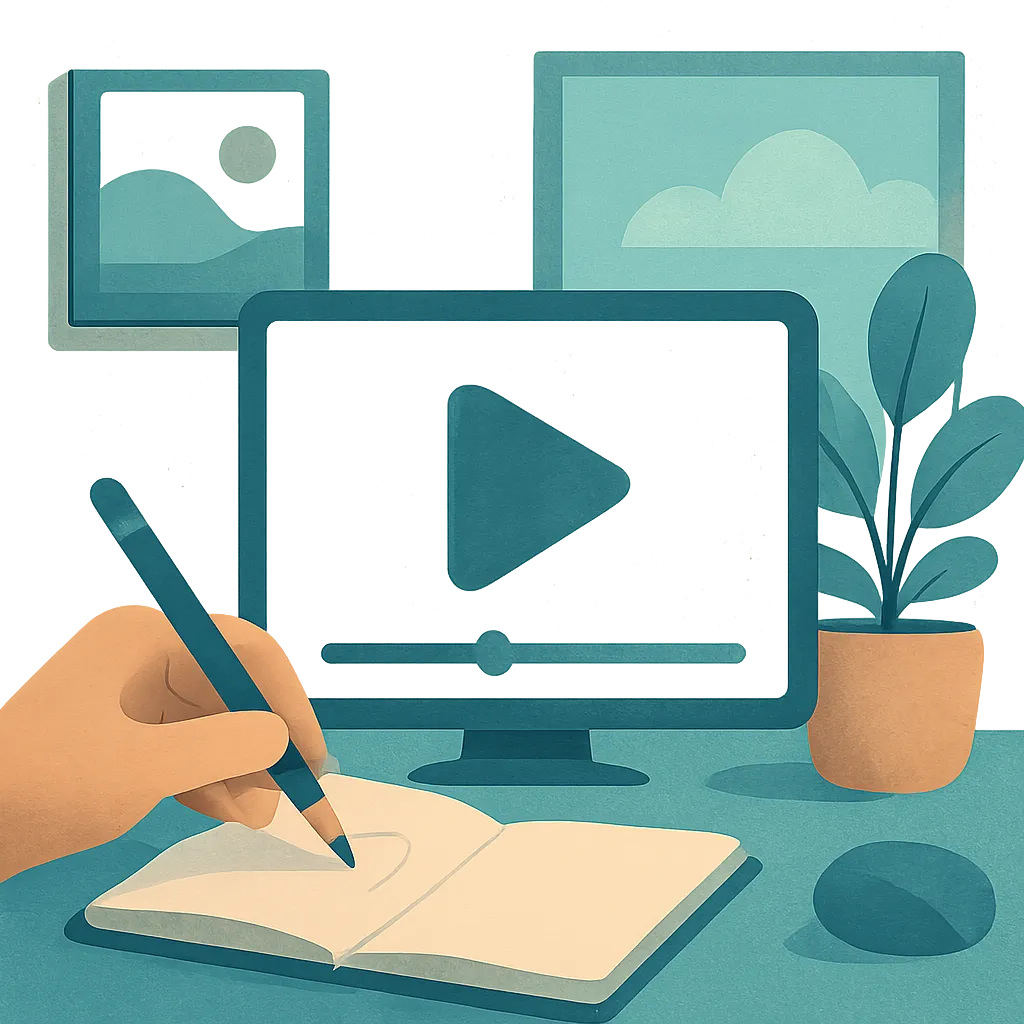
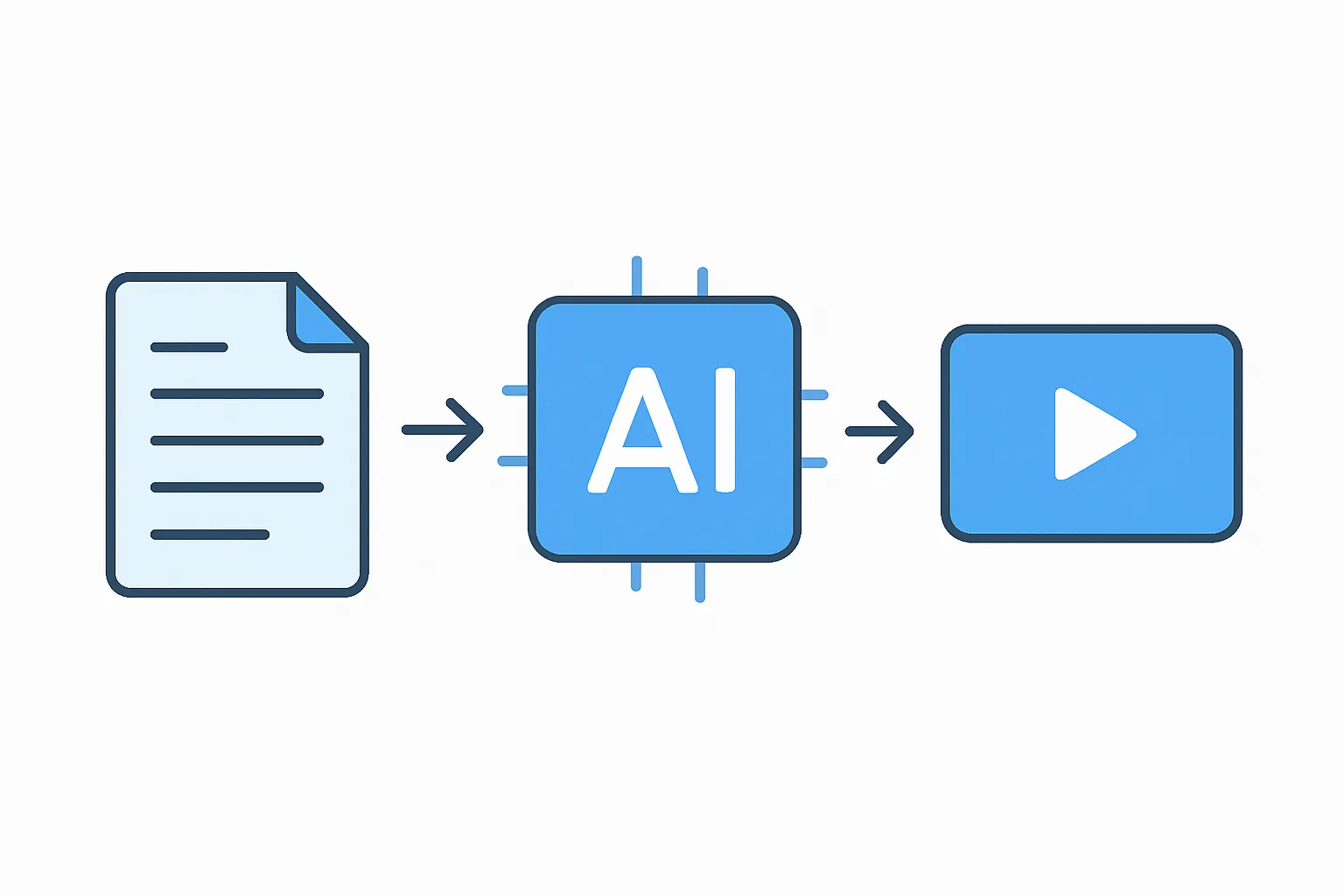
Haiper AI is a free online platform that creates videos from text prompts and images. You type what you want to see, and the software generates a video clip in seconds. The tool uses machine learning models trained on thousands of hours of video content to produce realistic motion and visual effects.
How Haiper AI Works
You start by writing a description of the scene you want to create. The system reads your text and generates a short video based on your instructions. You can also upload an image and ask the platform to animate it. The results appear in under a minute, depending on server load and video length.
The platform offers several features:
- Text-to-video generation from written descriptions
- Image-to-video animation that brings still pictures to life
- Video extension tools that lengthen existing clips
The interface requires no technical knowledge. You simply type, click, and wait for your video to render. The tool handles all the complex processing in the background. Similar viggle ai platforms offer character animation, but Haiper focuses on general-purpose video creation with fewer restrictions on content type.
Main Features and Capabilities
Haiper AI produces videos up to four seconds long in its free tier. The resolution reaches 720p, which works well for social media posts and quick previews. You can adjust style settings to make your video look more realistic or more artistic. The system supports different aspect ratios, including square and widescreen formats.
The video quality depends on how clearly you write your prompt. Specific descriptions with details about lighting, camera angles, and movement produce better results. Vague prompts often lead to generic or confusing output. You can regenerate videos multiple times if the first attempt doesn't match your vision. Tools like 2short ai help creators repurpose longer content, while Haiper excels at creating new clips from scratch.
Who Uses This Technology
Content creators use Haiper AI to produce quick video assets for YouTube thumbnails, Instagram stories, and TikTok posts. Marketing teams generate product demonstrations without filming or hiring video editors. Educators create visual aids to explain abstract concepts in online courses. Hobbyists experiment with storytelling ideas before committing to full production.
The platform suits anyone who needs video content but lacks filming equipment or editing skills. You don't need a camera, actors, or a studio. The software replaces traditional production workflows with a text box and a generate button. Some creators combine Haiper with hedra ai for adding dialogue and lip-sync to their generated characters.
Limitations and Considerations
The four-second duration limit restricts narrative complexity. You can't tell a full story in such a short clip without stitching multiple generations together. The free version adds a watermark to finished videos, which may not suit professional projects. Video generation sometimes produces odd movements or distorted objects, especially with complex prompts.
The system struggles with fine details like hands, text, and intricate patterns. Fast motion can look jittery or unnatural. You have limited control over exact camera movements and timing. The platform also faces occasional server congestion during peak hours, which slows down generation times. Fans of anime might prefer specialized tools for jujutsu Kaisen characters, as general AI video generators often miss style nuances.
Getting Started
Visit the Haiper website and create a free account. The registration takes less than a minute. Once logged in, you see a text box where you enter your video description. Write a clear sentence about what you want to see, then click the generate button. The system processes your request and displays the result in your dashboard.
You can download finished videos directly to your device. The platform stores your creations in your account history, so you can review past generations. Experiment with different phrasing to see how word choice affects output. Start with simple prompts before attempting complex scenes.
After creating your AI-generated videos, you might want to improve their color quality and contrast. Download Better Colors to instantly enhance your photos and video frames with AI-powered algorithms that boost visual appeal in just seconds.