
Clothes Swapper AI: Virtual Outfit Changes Made Easy
Ready to try clothes swapper AI? These smart tools let you test outfits digitally before you buy. See how different colors and styles look on you instantly. Download Better Colors for Windows to start exploring your perfect wardrobe matches today.

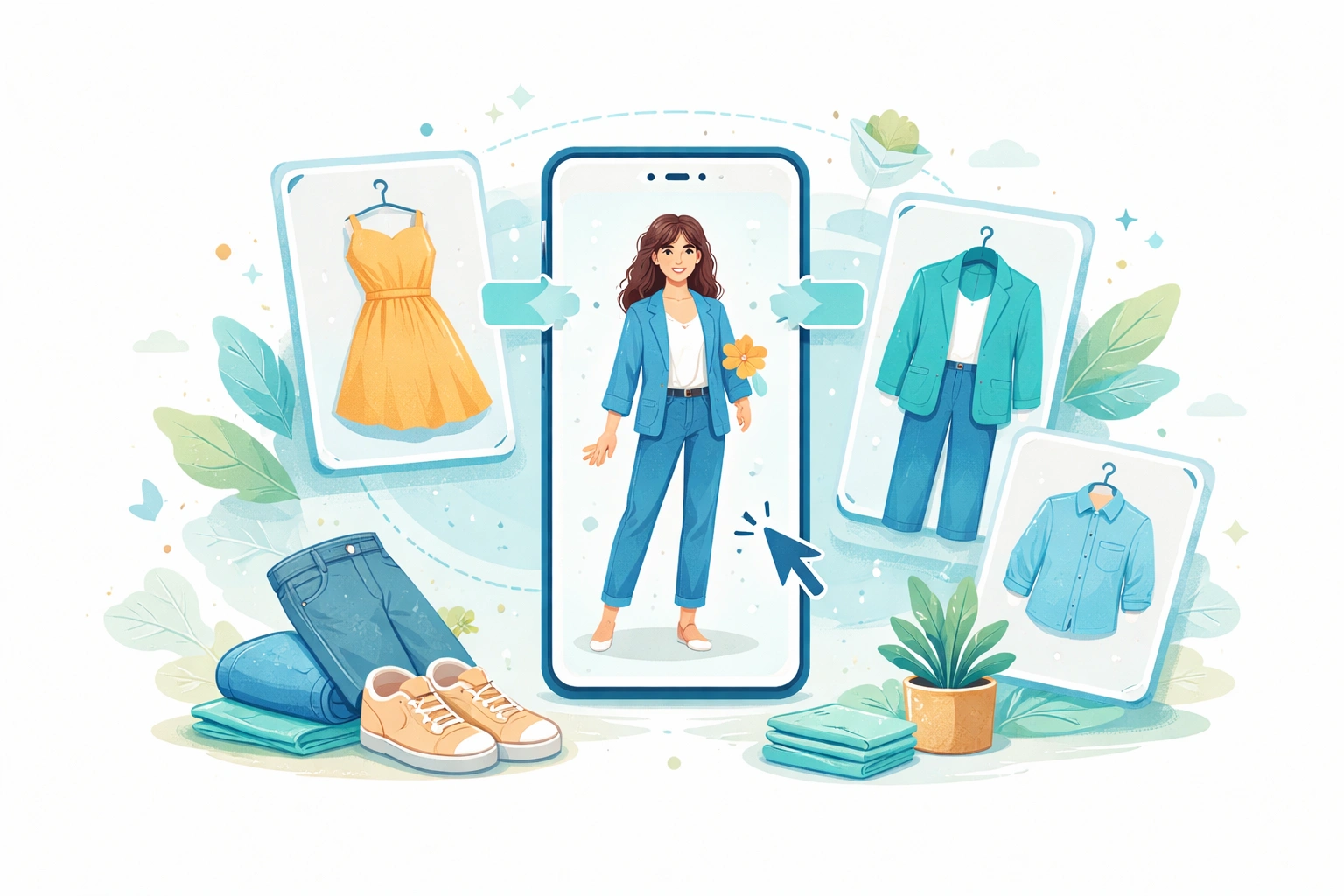
Clothes swapper AI refers to artificial intelligence tools that change outfits in photos. These programs analyze images and replace clothing items with different styles, colors, or designs. The technology helps shoppers visualize new looks without trying on physical garments.
How These Tools Work
The software uses machine learning to identify clothing boundaries in photos. It separates the person from their outfit and maps new clothing onto the body shape. The AI adjusts lighting, shadows, and wrinkles to make the swap look natural. Most tools process images in seconds and require minimal user input.
Main Benefits for Users
Shoppers save time by testing multiple outfits digitally before buying. Online retailers reduce return rates when customers see accurate previews. Fashion enthusiasts experiment with bold styles without commitment. AI remaker technology powers many of these platforms, making complex edits accessible to everyone.
Key advantages include:
- Preview outfits instantly without changing clothes
- Mix and match items from different stores
- Share outfit ideas with friends before purchasing
Popular Use Cases
Fashion bloggers create content showing various style combinations in one photoshoot. Clothing brands showcase how their products look on different body types. Personal stylists help clients visualize wardrobe updates remotely. Social media users refresh old photos with current trends using hotpot ai services and similar platforms.
Choosing the Right Tool
Free options work well for casual users testing basic swaps. Paid services offer better quality and handle complex patterns like stripes or prints. Check whether the platform stores your photos or processes them locally. Some apps require accounts while others work directly in browsers.
Look for tools that preserve image resolution and don't compress your photos. uncrop ai features can help adjust photo dimensions before swapping clothes. Read reviews about accuracy - poor AI creates obvious edits with mismatched lighting or unnatural folds.
Privacy Considerations
Upload photos only to trusted platforms with clear privacy policies. Avoid services that claim ownership of user content. Many tools now process images on your device rather than cloud servers. Delete uploaded photos from platforms after you finish using them.
Some discord music bots communities share tips about reliable clothes swapping tools. Always verify that the service encrypts data during transmission. Check if the company sells or shares user images with third parties.
Limitations to Know
Current technology struggles with very loose or flowing fabrics. Jewelry, accessories, and hairstyles sometimes interfere with accurate swaps. The AI may misinterpret shadows as clothing boundaries. Results vary based on photo quality - blurry or low-light images produce poor swaps.
Getting Started
Begin with clear, well-lit photos taken from the front. Wear form-fitting clothes for your first attempts - the AI maps new items more accurately. Start with simple swaps like changing shirt colors before trying complex pattern replacements. Most platforms offer tutorials or example galleries showing what works best.
Experiment with different styles to discover what suits you. Krea AI and similar creative tools complement outfit swapping by helping design unique clothing patterns. Save your favorite combinations to reference when shopping.
If you need to adjust photo colors before swapping clothes or want to enhance your final images, download Better Colors - a free Windows app that uses AI to instantly boost contrast and color vibrancy with just one click.